You’ll learn what settings can be found in the Club settings > Configuration > Finance tab:
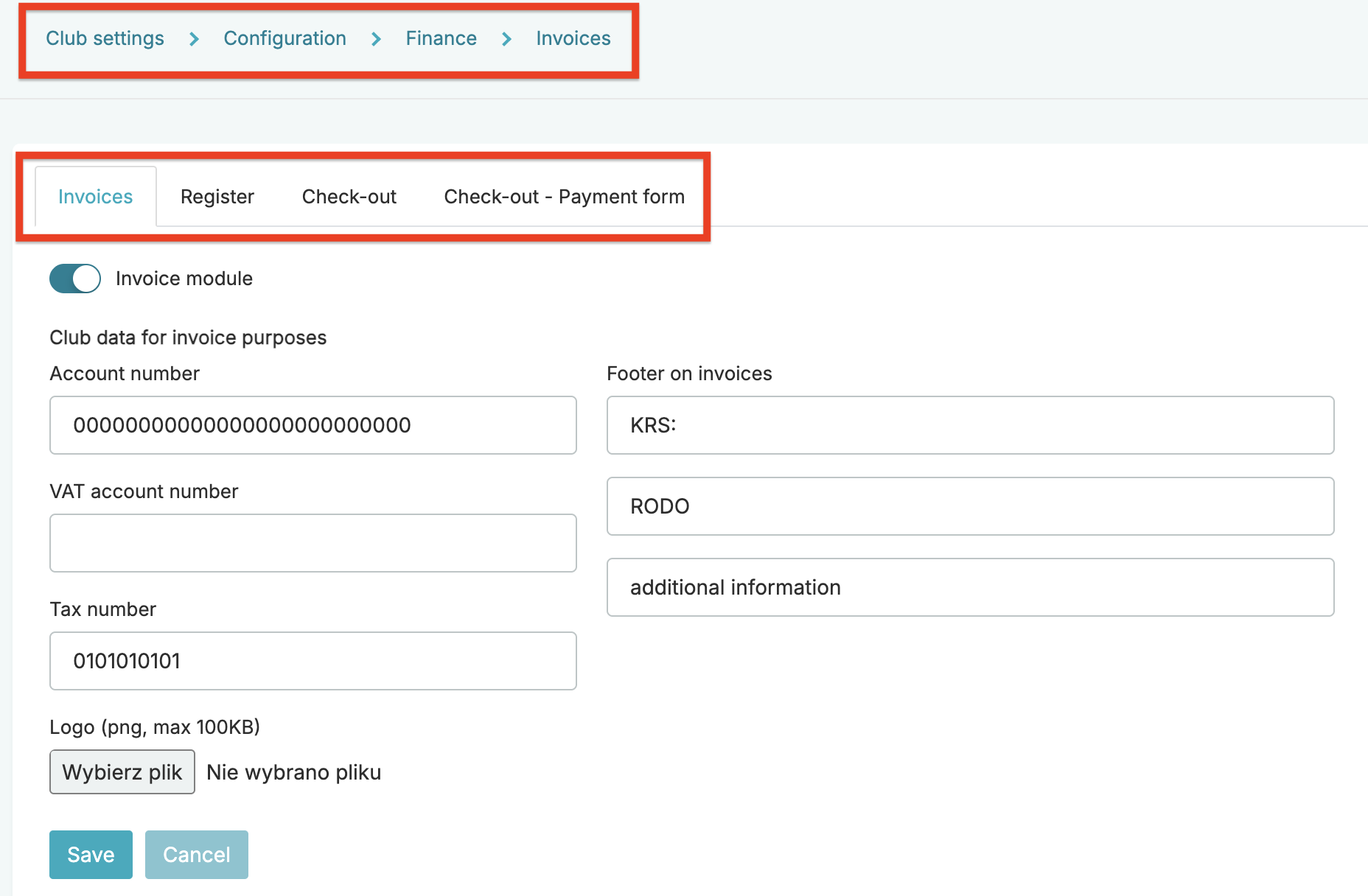
You can add information that will be displayed on your invoices or define a new payment method.
1. Invoices
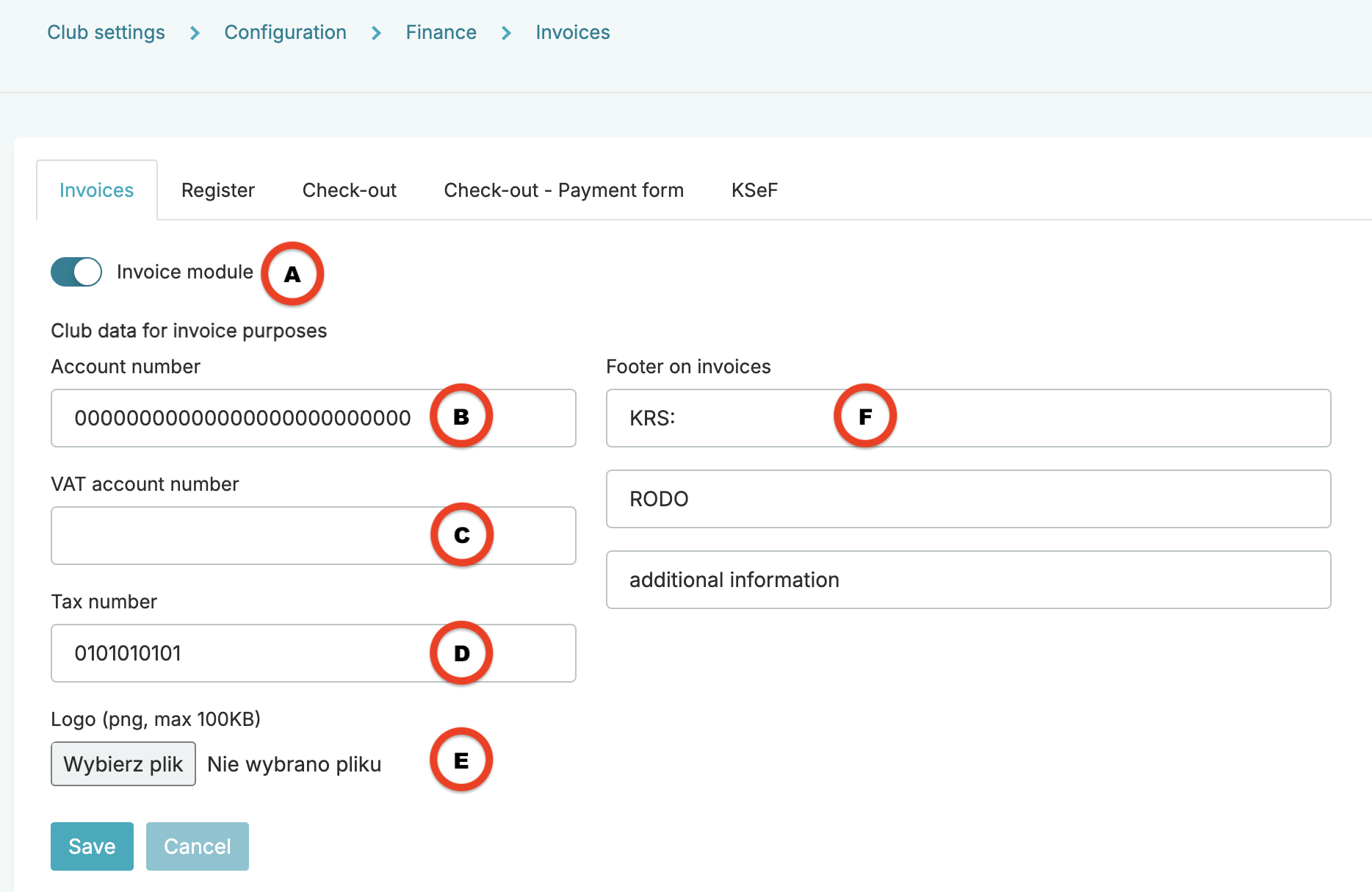
A – Invoice module slider – the slider set to Yes enables the visibility of the Sales > Invoices tab
B – Account number – an account number that then will be visible on your invoices
C – VAT account number – an additional tax account number that will be visible on your invoices
D – Tax number – a tax number that will be visible on your invoices
E – Logo – a logo that will be visible on your invoices
F – Footer on invoices – additional information displayed in the invoice footer
2. Register
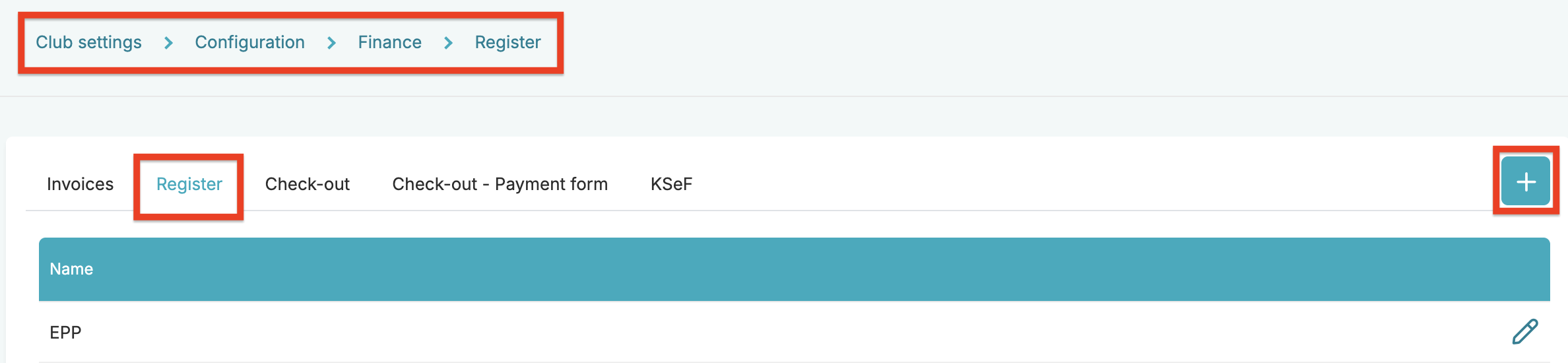
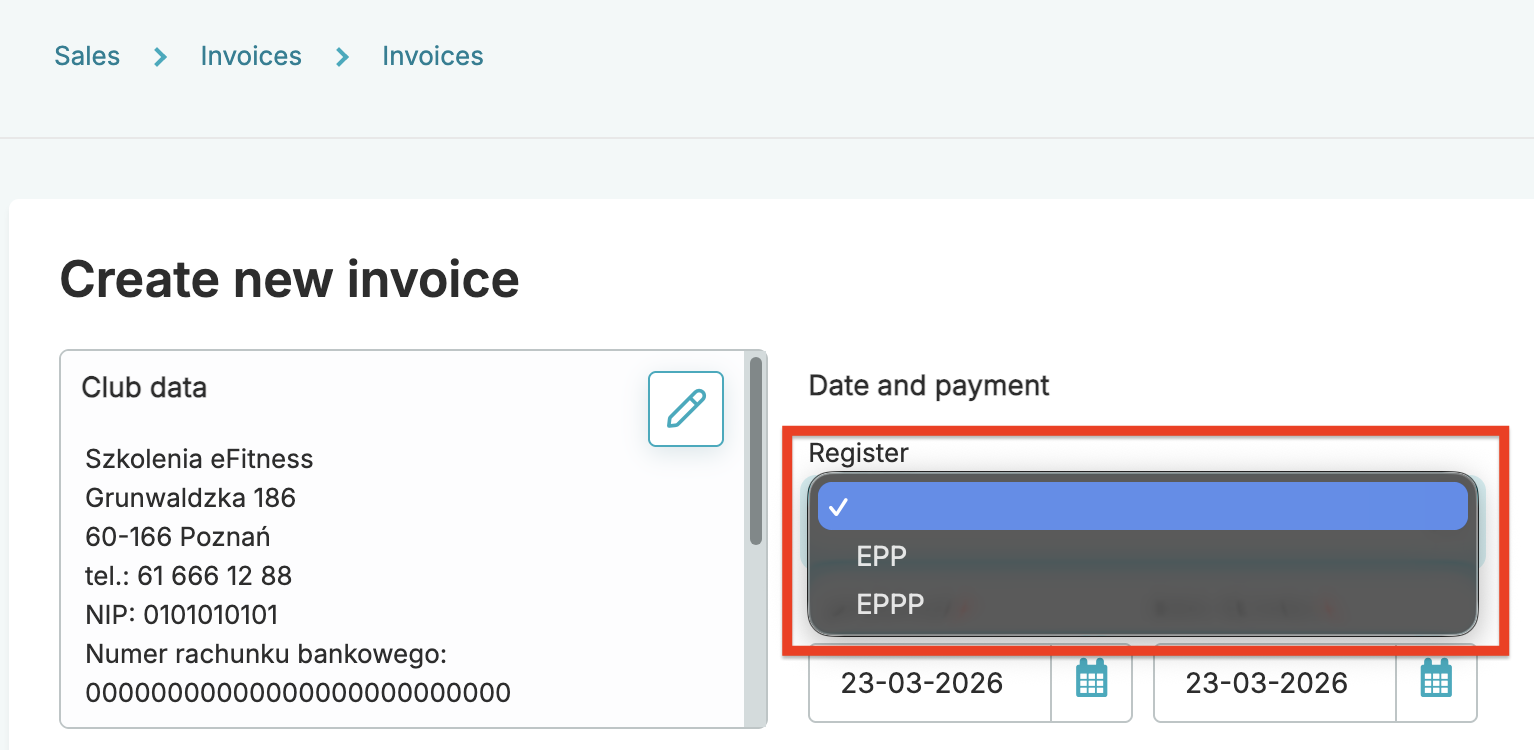
Using the plus icon, you can define a new register code that will be available on manual invoices:
3. Check-out
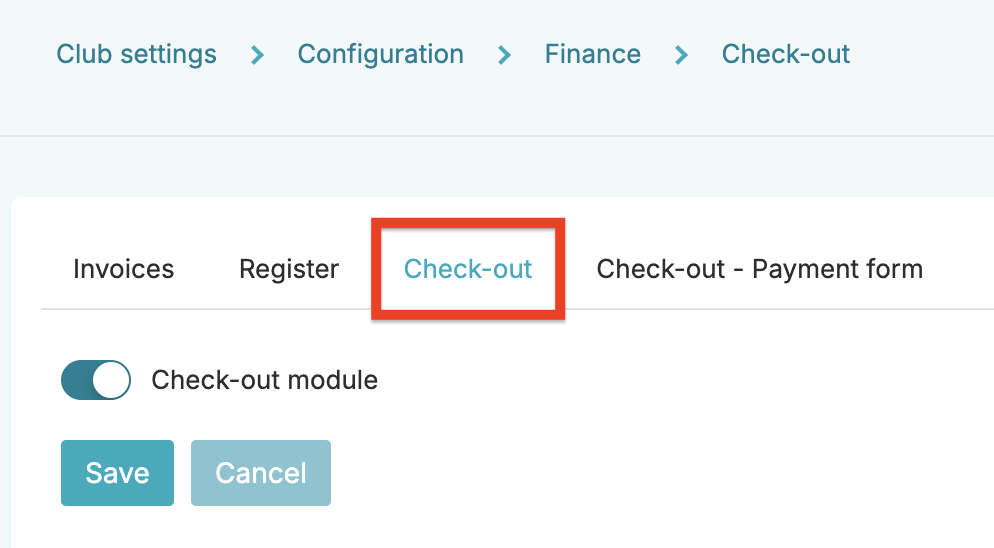
The Check-out module slider set to Yes enables the visibility of the Transactions, Check-out and Cash reports tabs.
4. Check-out – Payment form
Standard forms of payment are predefined automatically:
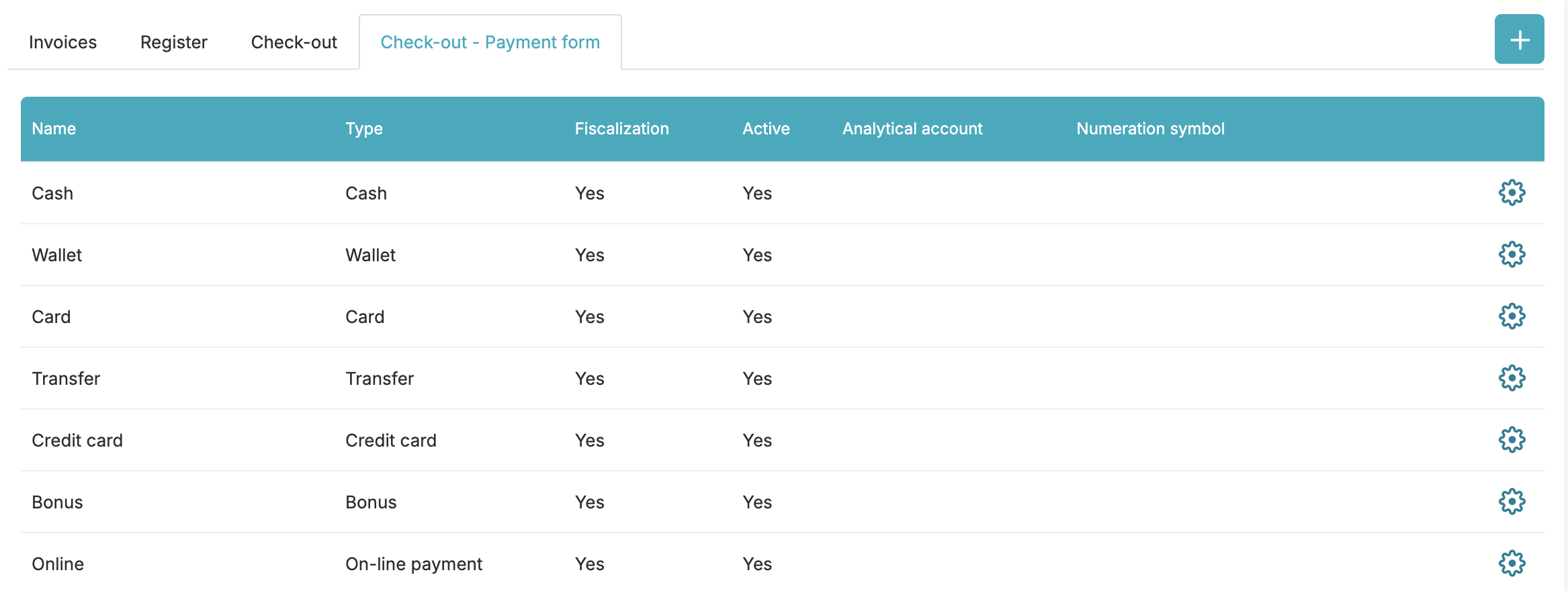
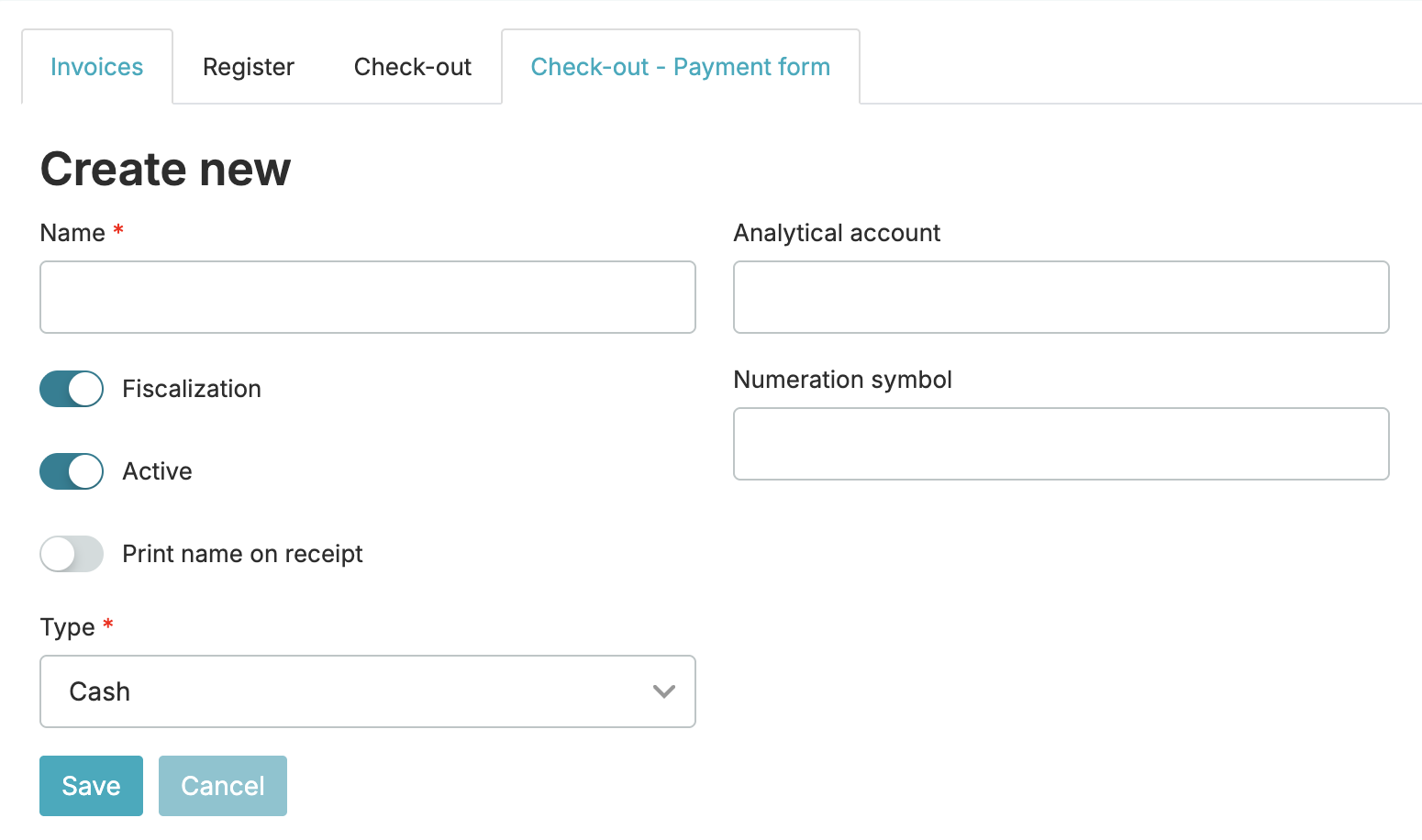
Using the plus icon, you can define an additional form of payment and decide whether or not it should be fiscal, active, print the name on receipts and of what type it should be: